How to Write LinkedIn Hooks That Stop the Scroll
The first two lines decide whether your post gets read or skipped. Here are the seven hook patterns that consistently earn the 'see more' click.
Why your hook is 80% of the post
On LinkedIn, only the first 1–2 lines show in the feed. Everything else is hidden behind "…see more." If your opening doesn't earn that click, the rest of your post — no matter how brilliant — was never read.
Great hooks aren't tricks. They make a specific promise to a specific reader in under 20 words.
The 7 hook patterns that consistently work
- The Contrarian. "Most founders think X. They're wrong."
- The Specific Result. "I added $42k MRR in 60 days. Here's the exact playbook."
- The Confession. "I wasted 18 months on the wrong ICP."
- The List Tease. "9 LinkedIn mistakes that quietly kill your reach."
- The Question. "Why do most B2B posts flop? It's not what you think."
- The Pattern Interrupt. "Stop A/B testing your headlines."
- The Curiosity Gap. "The one slide that closed our biggest deal."
3 rules every hook must follow
- Be specific. "I grew fast" loses to "I added 4,200 followers in 30 days."
- Promise a payoff. The reader should know what they get if they click.
- Cut every word that isn't load-bearing. Hooks are sentences, not paragraphs.
Where to find proven hooks for your niche
Open the top 20 posts from 5 competitors. Copy the first line of every post with above-average engagement into a doc. After 100 hooks, the patterns are obvious — and that doc becomes your most valuable writing asset.
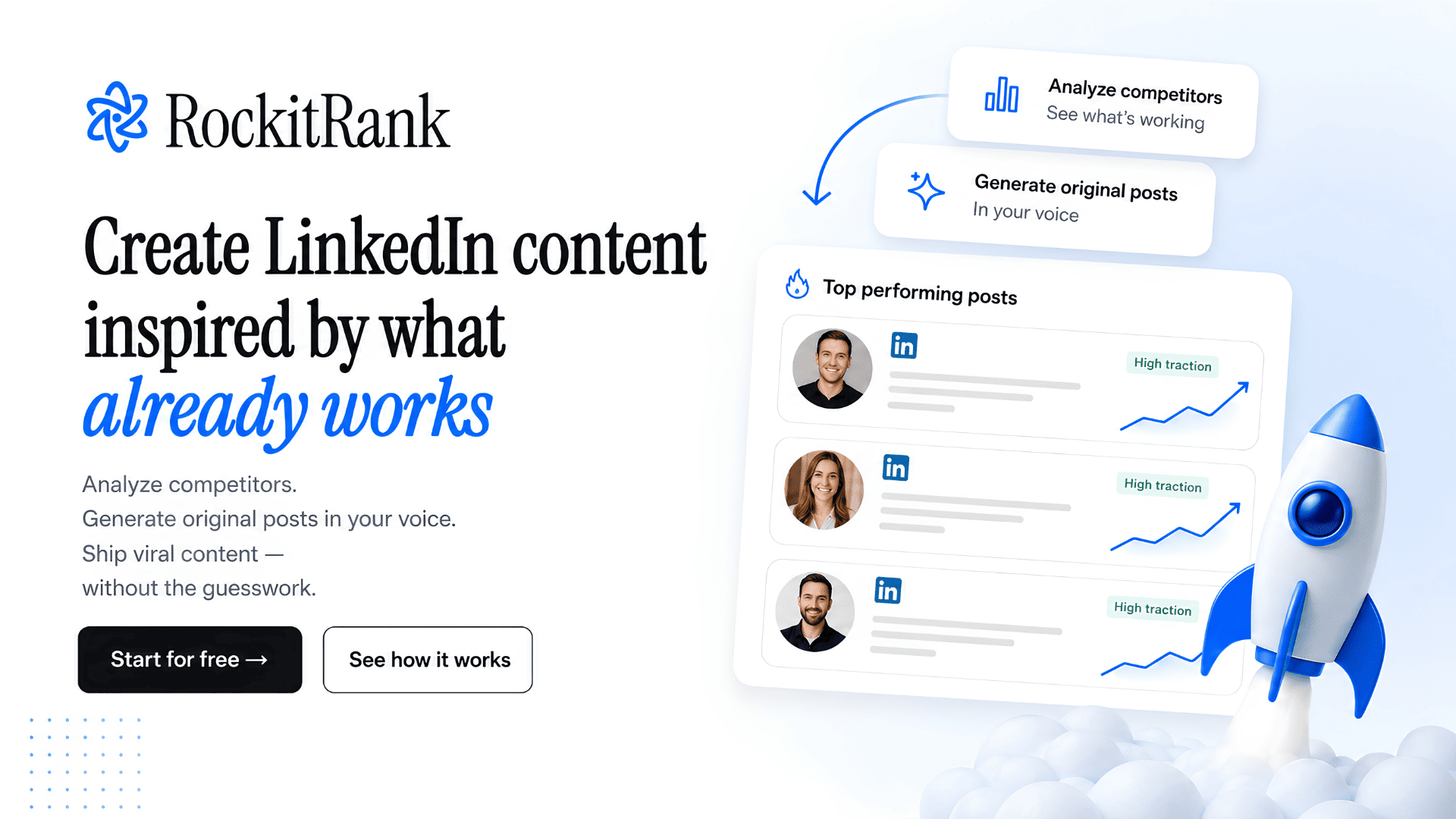
RockitRank automates this: it pulls competitor posts, ranks them by engagement, and surfaces the hook patterns that repeat.
Skip the manual research
RockitRank pulls competitor posts, tags the patterns, and drafts in your voice — so you spend time shipping, not scrolling.
Start your 3-day free trial →